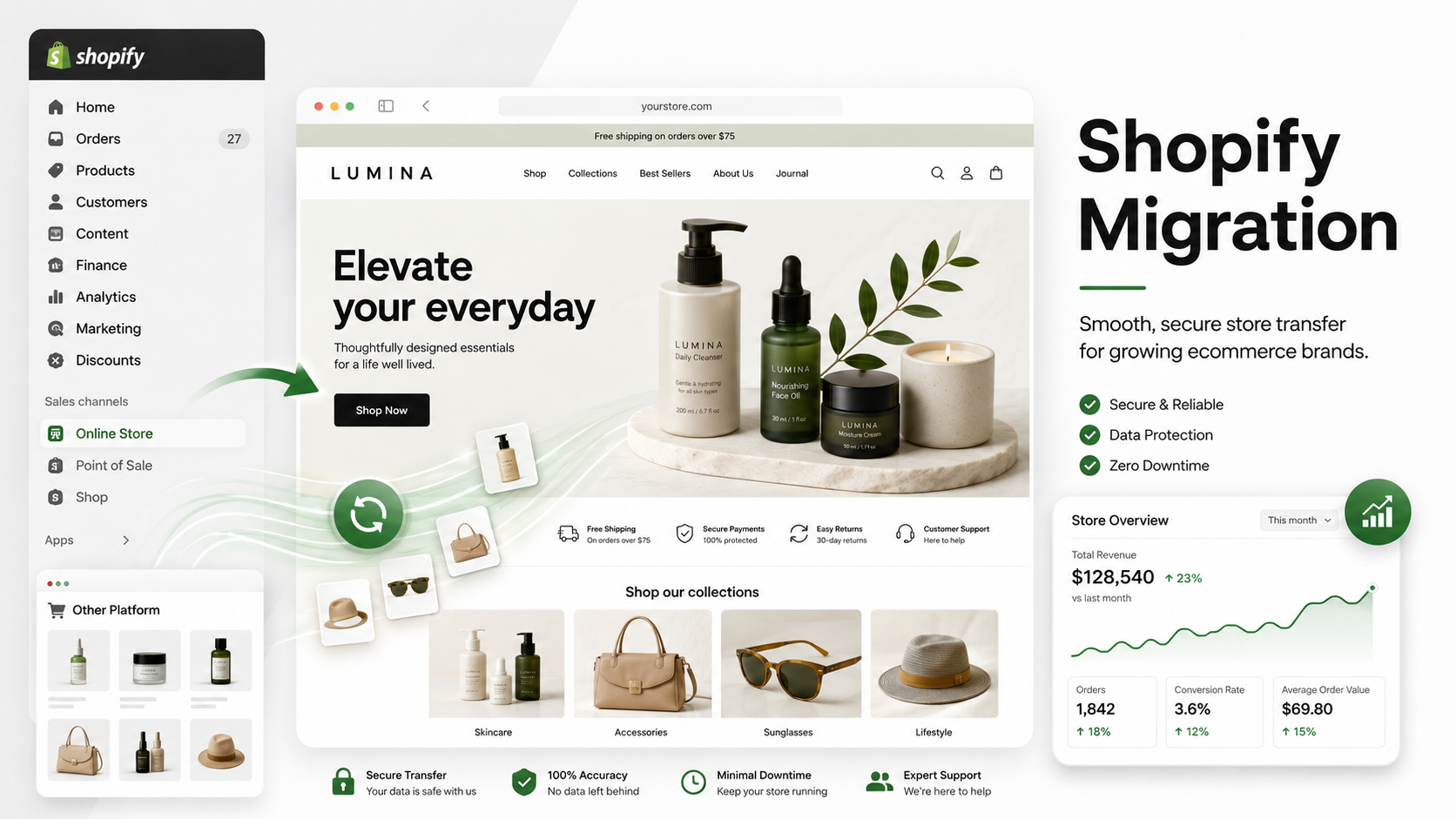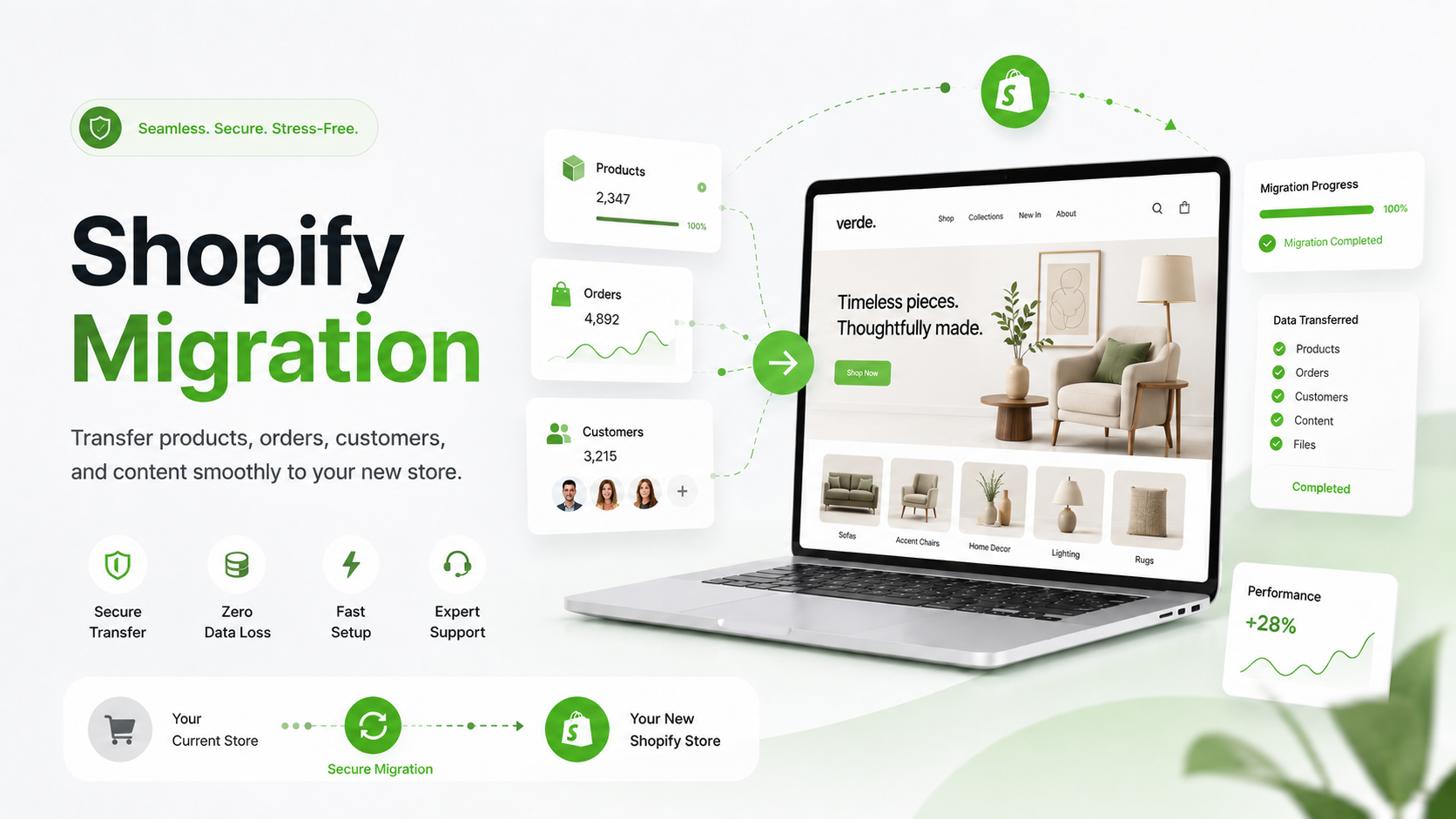
Moving your online store sounds easy when people explain it in one line. “Just move everything over to Shopify.” Sure. Simple enough until you realize “everything” means products, URLs, images, customers, orders, blogs, apps, reviews, tracking codes, redirects, checkout settings, and all the little things that quietly keep your store running. That’s why Shopify Migration needs a real plan. Not a messy weekend rush. Not a quick copy-and-paste job. A store may look fine on launch day, but if Google starts seeing broken links or customers can’t check out, the damage shows up fast.
A good migration should feel almost invisible to your customers. They visit your new Shopify store, find the same products, enjoy a cleaner layout, and buy without thinking twice. Behind the scenes, though, a lot has to go right.
Clean Up Before You Move
Before you migrate to Shopify, take a slow look at your current store. Think of it like moving into a new house. You don’t carry every broken chair, old receipt, and random box with you. You sort things out first. Your online store deserves the same treatment. Also look at your pages, blogs, customer data, product tags, SKUs, and apps. Some old apps may not be needed on Shopify. Some pages may have SEO value and should be moved carefully. Others may just be taking up space. A clean store is easier to migrate. It’s also easier for customers to shop.
Don’t Treat SEO Like an Afterthought
Here’s where many store owners get burned. They build a nice Shopify site, launch it, and then wonder why traffic drops. Usually, the issue isn’t Shopify itself. It’s the migration process.
During migration, your old URLs may change. For example, a product page on your old store may have a simple URL like:
/black-running-shoes
On Shopify, it may become:
/products/black-running-shoes
That small change can create a big problem if you don’t add a 301 redirect. A 301 redirect tells Google and visitors where the old page has moved. Without it, people may land on a 404 page. That means lost visitors, lost sales, and a small hit to trust. Keep your page titles, meta descriptions, image alt text, headings, blog URLs, and internal links as close as possible where it makes sense. You don’t have to freeze everything exactly as it was, but you do need to guide Google through the move.
Product Data Needs Extra Care
Product migration sounds basic, but it can get messy fast. Names, prices, variants, inventory, weights, SKUs, images, tags, collections all of it needs to match properly. If you sell clothing, size and color variants must stay clean. In case you sell beauty products, ingredient details matter. If you sell tools, parts, or accessories, one wrong SKU can cause real customer complaints. This is where a shopify migration service can help and save time, especially if your store has a large catalog. You can do it yourself for a small store. But once there are hundreds or thousands of products, manual work becomes risky to handle. One small mapping mistake can create a chain of annoying problems. And customers won’t care why it happened. They’ll just know their order was wrong.
Test the Checkout Like a Real Buyer
Your checkout is the money point. Everything leads there. Before launch, test it again and again. Use a desktop. Use mobile. Try discount codes. Add different products. Check shipping rates. Review taxes. Test payment options. Make sure order confirmation emails arrive properly. For U.S. stores, sales tax and shipping zones can get tricky, so don’t leave them unchecked.
You may have the best product page in your niche, but if the payment button fails, the sale is gone. That sounds obvious, but it happens more often than people admit.
Keep the New Design Familiar
If shoppers already know where to find your bestsellers, size guide, cart, search bar, or support page, don’t hide those things in the name of “fresh design.” Make the store cleaner, faster, and easier. Don’t turn it into a puzzle box.
Shopify themes like Dawn, Prestige, Impulse, and Warehouse can work well when they’re set up with care and attention. The theme matters, but structure matters more.
Good ecommerce design is quiet. It helps people buy without making them think too much.
Know When to Bring in Help
Not every store needs a full team. A small store with a few products can often migrate with careful planning. But if your store already gets steady traffic, runs paid ads, has many products, or depends on SEO, hiring a Shopify migration expert is the best option. A skilled expert can manage redirects, data mapping, theme setup, app checks, tracking codes, speed checks, and testing. They also know the exact location of the problem. For bigger stores, a shopify migration agency may make more sense. An agency can bring together design, development, SEO, and QA support. That’s useful when the store has a lot of moving parts. Don’t choose someone only because they say, “Yes, we can do it.” Ask how they protect SEO, they test, happens after launch if something breaks.
Pick the Right Launch Time
If your busiest season is Black Friday, Christmas, back-to-school, or a big summer sale, don’t launch your new store right before the rush. That’s asking for stress. For many U.S. ecommerce brands, a quieter month is better for migration. You get time to test, fix, and watch the data before high traffic arrives. After launch, keep an eye on Google Search Console, Shopify analytics, conversion rate, broken links, product pages, checkout behavior, and paid ad landing pages. A migration isn’t “done” the moment the site goes live. The first week is where you catch the little issues.
Don’t Forget the Customer Side
Customers don’t think about platforms. They don’t care if you moved from WooCommerce, BigCommerce, Magento, or Wix. They care about simple things. Can customers find the product, log in? Can they place an order? If customer passwords can’t be moved, explain the reset process clearly. In case account pages look different, make them easy to understand. If you change the store layout, keep the main shopping path simple. A short message like “We’ve updated our store for a smoother shopping experience” can also help. Nothing fancy. Just enough to make the change feel intentional.
Final Words
Migration can be a great step for an online store. It can make your backend easier, your checkout smoother, and your customer experience cleaner. But it needs patience. Protect your SEO. Check your product data. Set up redirects. Test checkout. Watch analytics after launch. And if your store is already making real sales, don’t gamble with it. Work with a trusted migration service, a reliable migration agency, or an experienced migration expert who knows how to protect both traffic and revenue. Because the goal isn’t just to migrate to Shopify. The goal is to move without losing the business you already worked hard to build.
What is Shopify Migration?
It is just moving your store from your old platform over to Shopify products, pages, orders, and SEO stuff included.
Can I migrate from WooCommerce to Shopify?
Yes, absolutely. Many store owners leave WooCommerce for Shopify because it’s easier to handle day-to-day.
Will migration hurt my SEO?
It can, if the move is messy. But with clean redirects and proper SEO setup, your rankings have a much better chance of staying safe.
Do I need a migration service?
If your store already has traffic or sales, yes, it’s a smart idea. A migration service helps avoid small mistakes that can turn into big problems.